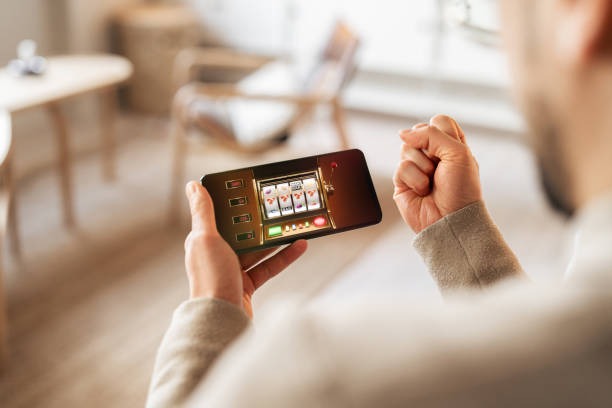
Our cahaya138 Android, iOS, and web access
We support three mobile paths. Android users may use an APK route when it is available inside the account flow. iOS users usually continue through a browser path because direct package installation works differently on Apple devices. Web-app access is the shared option for users who want a home-screen shortcut with browser storage. Our services are available only where local law permits.

Our cahaya138 installation walk-through
- Download the Android APK only from our account route when that option is shown.
- Install the file after checking the browser permission and the device security prompt.
- Register or log in through our account page and complete any requested contact or KYC review.
- Open the account area for live tables, sportsbook markets, payments, and support messages.
Our app and browser paths have different strengths. The APK path can keep a cleaner app window and may support device-level notification prompts when allowed. The browser path is simpler for iOS and shared devices. The web-app shortcut can use browser cache, saved sessions, and faster repeat loading after the first visit. We still keep live-dealer settlement, payment records, and KYC review tied to the server account, not to one device only.
Our compatibility target covers common Android and iOS devices used across Surabaya, Medan, and Semarang. Android seven and newer can usually handle modern browser engines, video rendering, and secure login prompts. iOS twelve and newer can usually support browser-based access with home-screen shortcuts. Older devices may still open basic pages, but live blackjack, roulette, baccarat, Dragon Tiger, and Sic Bo need stable video decoding and current security support.
Common install issues usually come from unknown-source permissions, certificate trust warnings, blocked browser downloads, weak storage space, or an expired cached file. We ask our users to remove old APK files, refresh the account page, and avoid files shared through unofficial chats. iOS users should check browser storage and home-screen shortcut settings. If a payment route such as OVOe-walletor mobile banking is under review, the app install does not remove the review status.
Our data and permission handling stays linked to account security. We may use device context, login history, contact ownership, and KYC document checks for recovery or withdrawal review. We do not need unrelated phone content for live-dealer access. Camera or file access may be needed only when a document upload is requested. Our multilingual help uses response windows and contact channels to review account identity, local payment notes, online payment references, e-wallet, mobile banking, local payment, or online payment records.
Our KYC review
Document clarity and account ownership checks.
Our live studio
Dealer video, table state, and round reference.
Our payment review
Wallet, e-wallet, and bank-route matching.
Our support channel
Recovery notes and response-window handling.